
Your best 45 seconds are trapped in a 40-minute video
Every Sunday you preach a message with two or three lines that could stop someone mid-scroll. Then those moments get buried inside a 40-minute video almost no one will watch end to end.
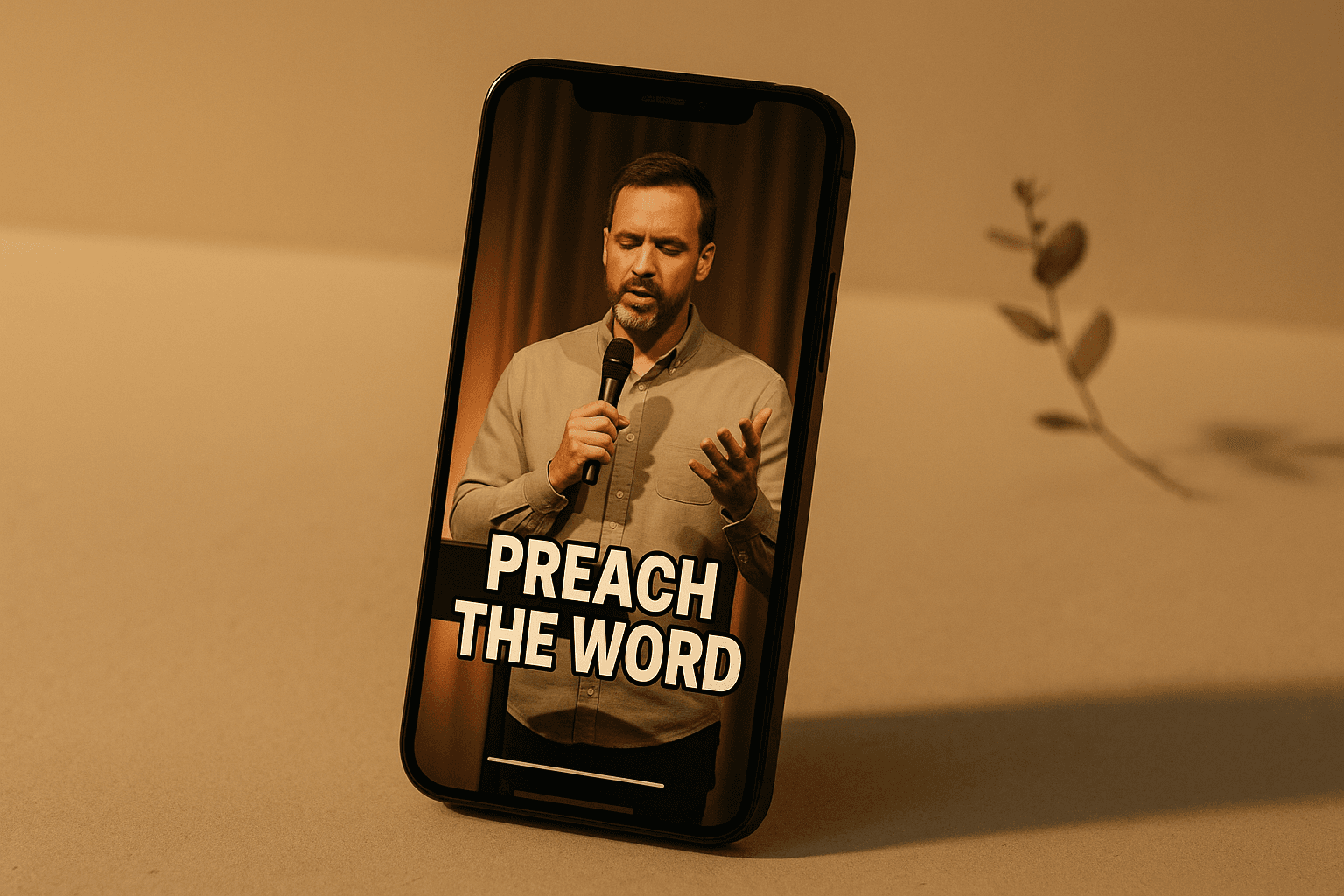
Short sermon clips fix that. A sermon clip is a 20-to-90-second vertical video — one powerful moment from your message, captioned and cropped for Instagram Reels, TikTok, and YouTube Shorts. It is the single highest-reach way to extend a sermon beyond Sunday, and you already have the raw material sitting in your sermon recording.
This guide covers what to clip, the non-negotiables that make a clip actually perform, and the fastest workflow to turn one sermon into a week of clips — even if you have no video editor on staff.
Why short sermon clips work
Short-form video is where attention lives in 2026, and the platforms reward it:
- The algorithms favor short, hooky video. Reels, TikTok, and Shorts push native short clips to people who do not already follow you — which is exactly the reach a church wants.
- Clips travel beyond your congregation. A saved or shared clip lands in front of friends, family, and strangers who would never click a 40-minute service.
- Most people watch on mute. Captioned clips meet them where they are — scrolling silently — which is why captions are not optional (more on that below).
- One sermon becomes many touchpoints. Your congregation engages with church content only a few minutes per week outside Sunday. A steady drip of clips closes that gap.
Get your Sunday afternoons back.
Most pastors lose the better part of a workweek turning their sermons into clips, devotionals, and graphics — time your family and congregation need you for. This free 24-page playbook shows you how to do it in 90 minutes flat. One sermon, a full week of ministry content.
What makes a sermon clip worth posting
Not every minute of a sermon is clip-worthy. The strongest clips share a few traits — learn to spot 5 to 10 of these moments in each message:
- One complete idea. The clip should make sense on its own to someone who was not in the room.
- A strong first three seconds. The opening line has to earn the next ten seconds. A question, a bold statement, or a surprising claim works best.
- An emotional or quotable peak. The line you would put on a graphic is usually the line worth clipping.
- A clean start and end. It should begin and end on a complete thought, not mid-sentence.
- The right length. Aim for 20 to 90 seconds. Shorter is usually stronger.
A practical tip: as you review your sermon, mark the moments where you raised your voice, paused for effect, or landed a one-liner. Those are your clips.
The 5 non-negotiables of a great sermon clip
| Element | Why it matters |
|---|---|
| Vertical 9:16 | Fills the phone screen on Reels, TikTok, and Shorts. Landscape clips get squeezed and ignored. |
| Burned-in captions | The majority of viewers watch muted. On-screen captions are the difference between a skip and a watch. |
| A hook line | A short text headline in the first second tells the viewer why to stay. |
| Readable framing | Keep the speaker centered with headroom; captions in the lower third, large enough to read on a phone. |
| A clear end | End on the payoff, then cut. Trailing dead air kills replays. |
Get these five right and a clip will outperform a polished video that ignores them.
How to make sermon clips: two workflows
Option 1 — Do it manually. Pull the sermon video into an editor, find the moments, crop to vertical, keep the speaker in frame, type out and time the captions, add a hook, and export. It works, and it gives you full control — but it is genuinely time-consuming. A single well-captioned clip can take 30 to 60 minutes, and most pastors do not have that time every week.
Option 2 — Let AI do the heavy lifting. Tools like SermonSeeds analyze your sermon, surface the most clip-worthy moments automatically, crop them to vertical with the speaker tracked in frame, and add synced, burned-in captions — turning a sermon into a batch of ready-to-post clips in minutes instead of hours. You stay in control: review the suggested clips, tweak the captions, and publish the ones you love.
Either way, the goal is the same: get the best moments of Sunday into the formats people actually watch.
Where and how often to post sermon clips
You do not need to post daily. Consistency beats volume:
- Pick 2 to 3 clips per sermon and space them across the week.
- Cross-post the same clip to Instagram Reels, TikTok, and YouTube Shorts — each reaches a different audience.
- Link back to the full sermon in the caption or your bio for people who want more.
- Pair clips with other formats like quote graphics and carousels and a content calendar so your week runs itself.
Clips are one of the five core ways to repurpose a sermon for social media — and the one with the most upside.
Start with one clip this week
You do not need a studio, a videographer, or a content team. You need one moment from last Sunday, cropped vertical, captioned, and posted. Ship one clip this week, watch what resonates, and build from there.
Frequently asked questions
How long should a sermon clip be?
Aim for 20 to 90 seconds. Most high-performing clips land between 30 and 60 seconds — long enough to deliver one complete idea, short enough to hold attention.
Do sermon clips need captions?
Yes. The majority of people watch short-form video with the sound off, so burned-in (on-screen) captions are essential. Captioned clips consistently get more watch time than uncaptioned ones.
What is the best app to make sermon clips?
You can use any video editor (CapCut, Premiere, Descript), but they require manual cropping and captioning. AI tools built for ministry — like SermonSeeds — find the moments, crop to vertical, and caption automatically, which is far faster for a weekly cadence.
Can I make clips from a full church service livestream?
Yes. If your sermon is inside a longer service recording, you can mark just the preaching portion and generate clips from only that section. Here is the full workflow: How to repurpose your entire Sunday livestream.
SermonSeeds turns one sermon into a week of ministry content — including vertical video clips with auto-generated captions, ready to post to Reels, TikTok, and Shorts. Get started free.
Get your Sunday afternoons back.
Most pastors lose the better part of a workweek turning their sermons into clips, devotionals, and graphics — time your family and congregation need you for. This free 24-page playbook shows you how to do it in 90 minutes flat. One sermon, a full week of ministry content.